

Getting started
This guide will help you get started with Polygon-compatible wallets.
This page introduces Polygon-compatible wallets and how to choose one.
Third-party wallets
Do your own due diligence before using third party wallets. The official Polygon Support cannot provide assistance for issues with these wallets or other non-native wallets.
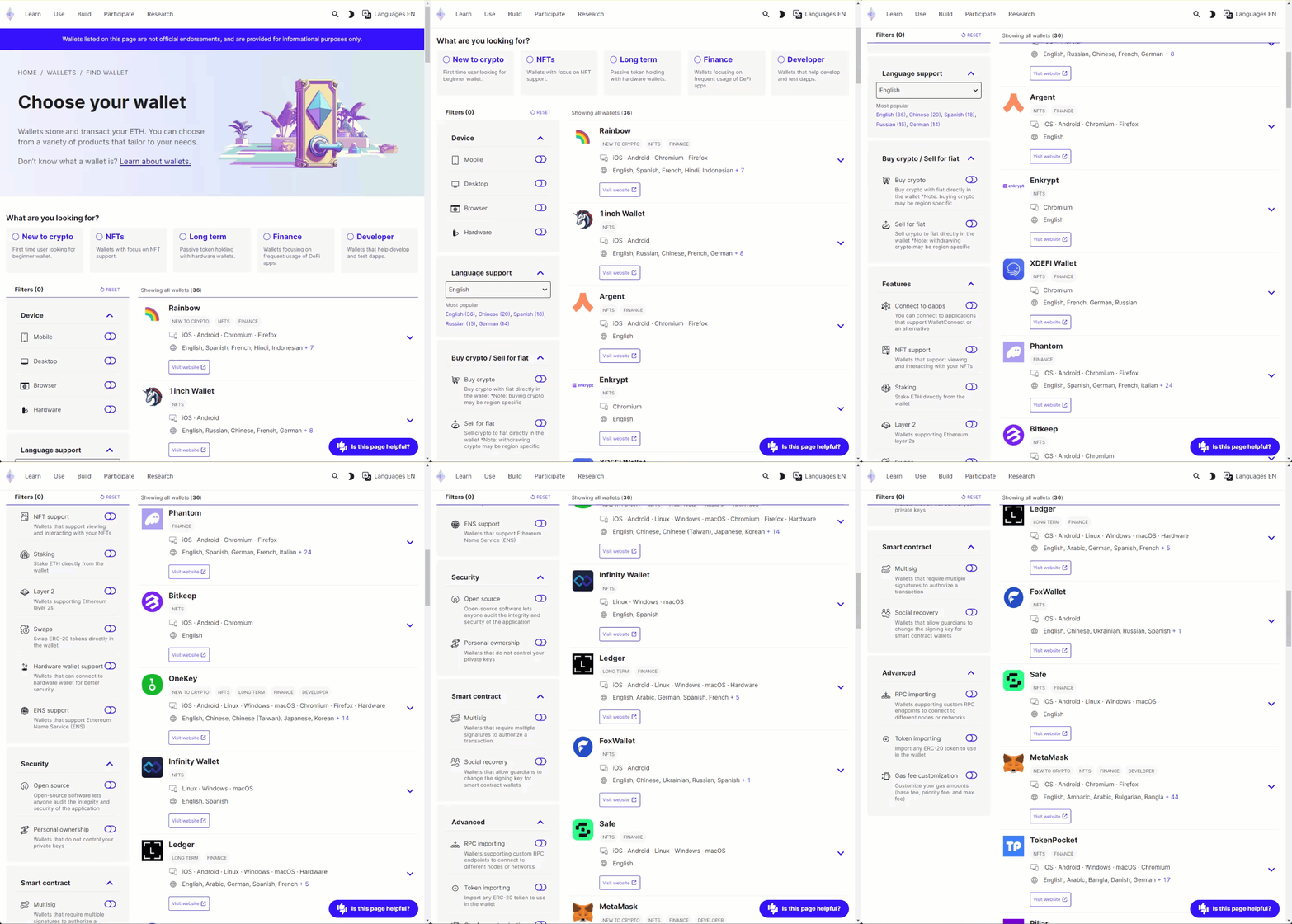
Ethereum.org's wallet documentation page has a comprehensive page of different wallets you can select from. There are many options to filter the list to find a wallet that is right for you including:
- Device type: browser plugin, desktop, mobile, or hardware wallet.
- Security: open source, personal ownership/custody of your wallet.
- Language support: filter by your preferred language.
Be sure to select Layer 2 on the Filter menu on the left side of the page to list wallets that are compatible with Polygon networks.
Polygon portal
The Polygon Portal is a comprehensive solution for account management on Polygon.
The Portal can be used to perform a variety of tasks, such as:
- Bridge your assets via the Polygon native bridge and a variety of third-party bridges.
- View token balances across supported networks.
- Monitor bridging transactions.
Next: see Polygon Portal.
Last updated on